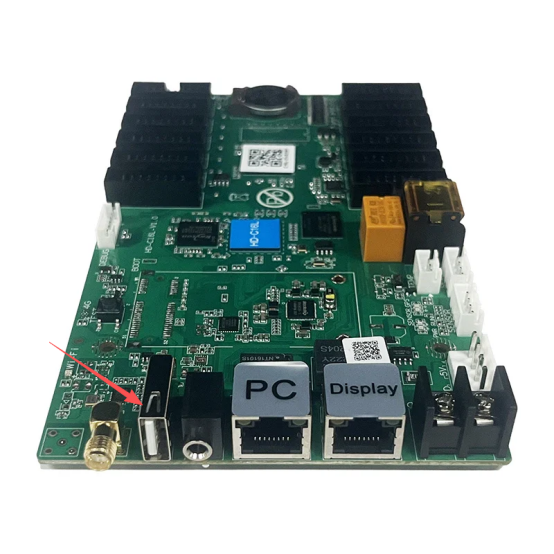
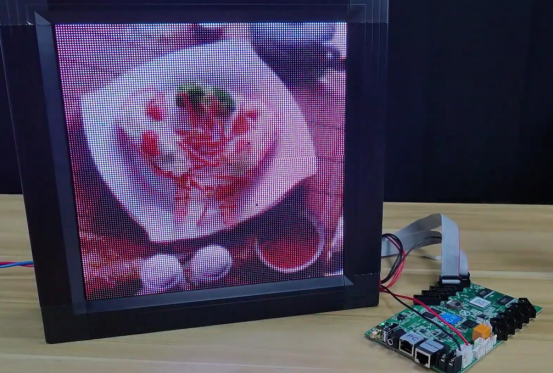
This is USB interface of C16C to update the program.
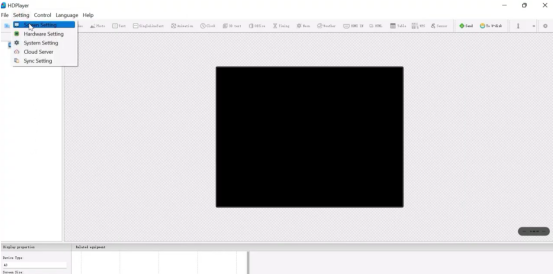
1.Open the “HDPlayer”.
2.Click “setting” >”screen setting”.
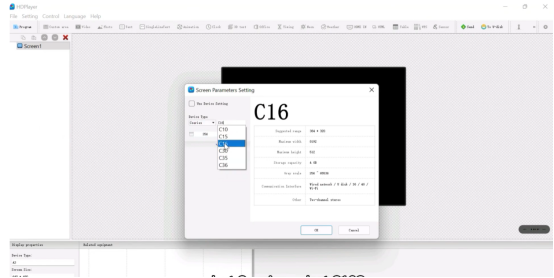
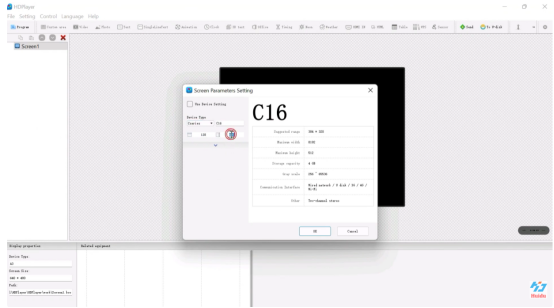
3.Select “C series”, select “C16C”,then set the resolution of the display and click “ok”.
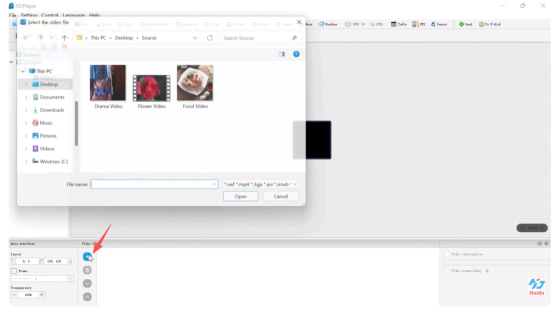
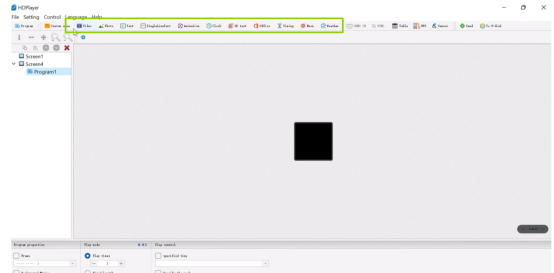
4.Edit the program,we choose to add video, photo, text,animation, clock and so on.
5.Click “+”to add program.
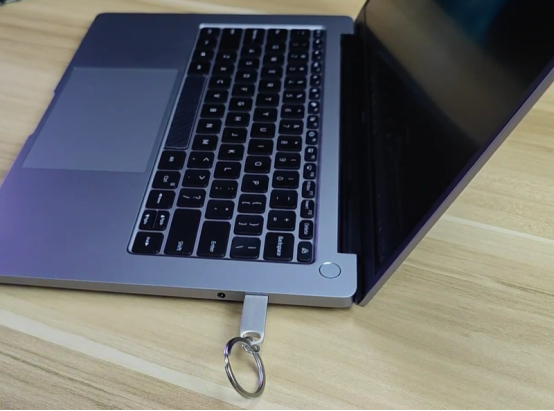
6.Insert the U disk into the computer USB port.
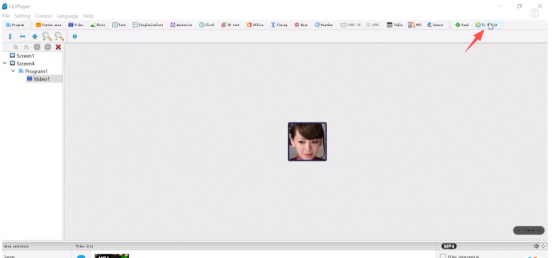
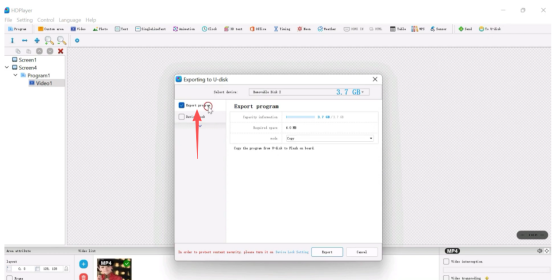
7.click the “To U-disk”.
8.Click “Export program “.
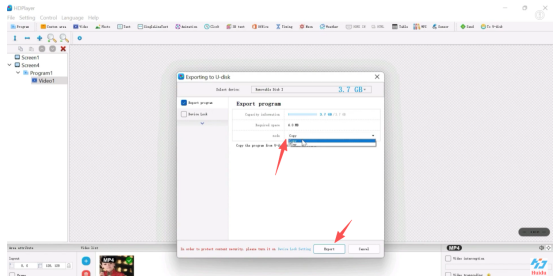
9.Select “copy mode”, then click the “Export”,the export is completed.
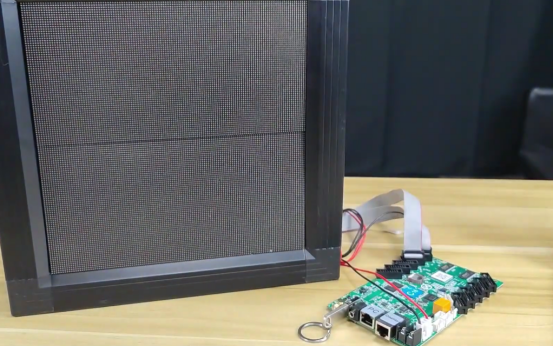
10.Insert the U disk into the USB port of the C16C.
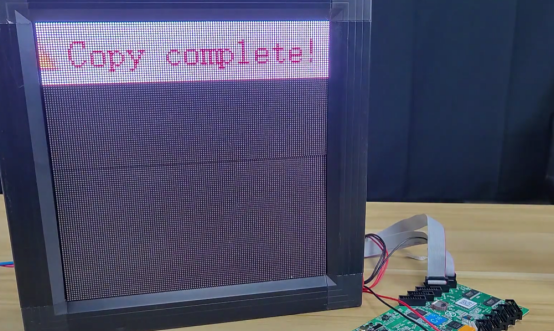
11.When the screen shows that “copy complete”, it means that the new program has been updated to the C16C.
12.If you don’ t have HDPlayer in your computer,we can just copy the videos and pictures to the root directory of the U disk and insert the U disk into the USB interface of the C16C directly.



 English
  简体中文
简体中文  Português do Brasil
  Italiano
  Español
  Français
  Deutsch
  한국어
한국어  日本語
日本語