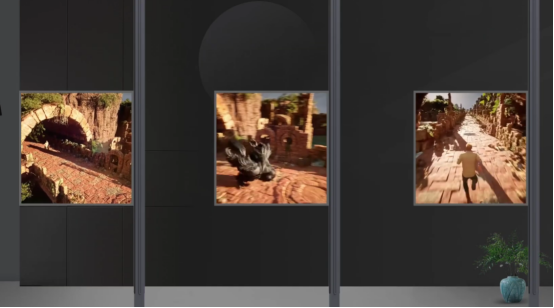
Multi-screen synchronization solutions are mostly used in light pole screens,harmonized content display improves the efficiency of information dissemination.
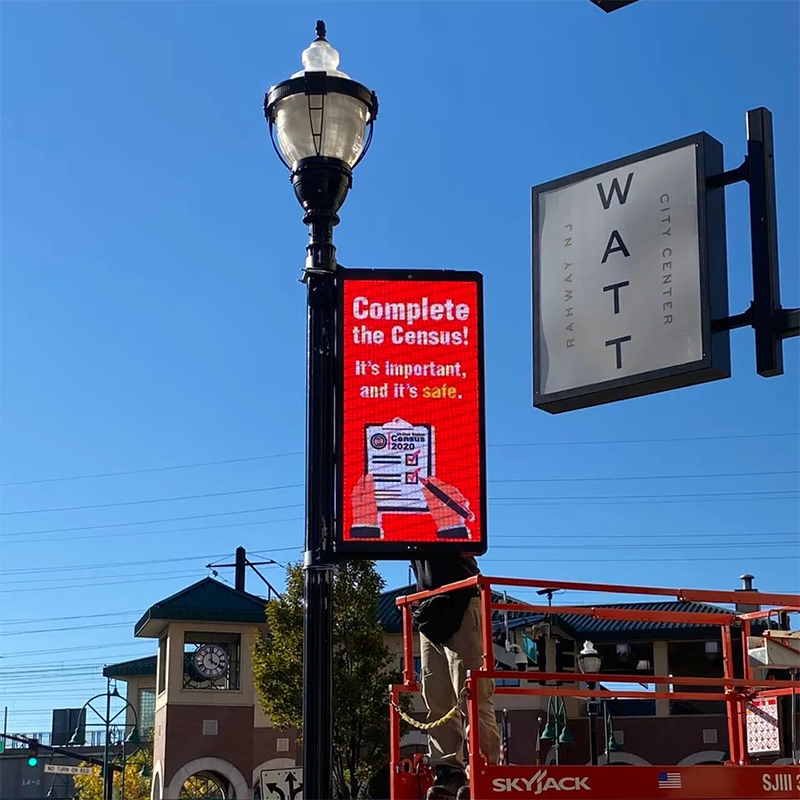
To achieve multi-screen synchronization the following conditions need to be met:
1. Same screen resolution
2.The same series of controller
3.Two or more programs
4.Same program content
5.Setting fixed effects
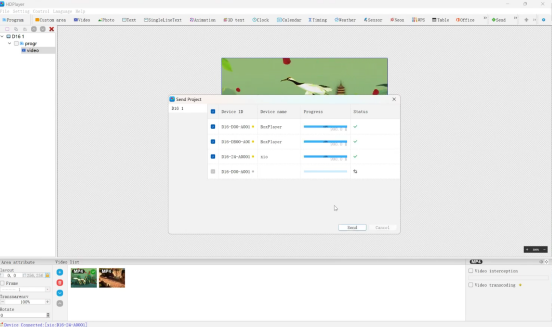
1. we open HD Player,the software will indicate that the device is connected
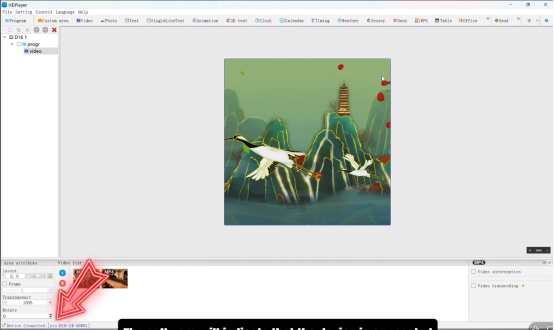
2.Send the created program, programs that have not been set up will be out of sync,so we need to set up multi-screen synchronization.
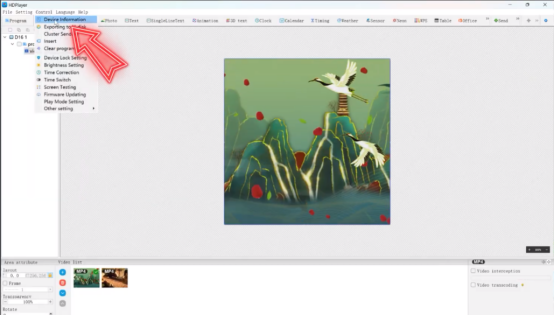
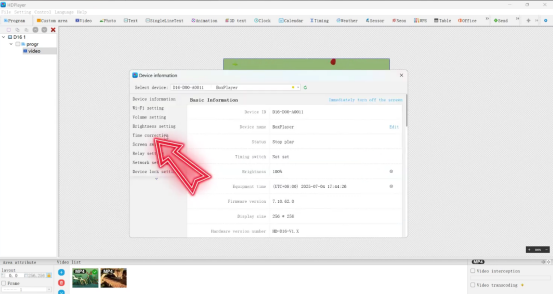
3.Click “Control”- “Device Information”
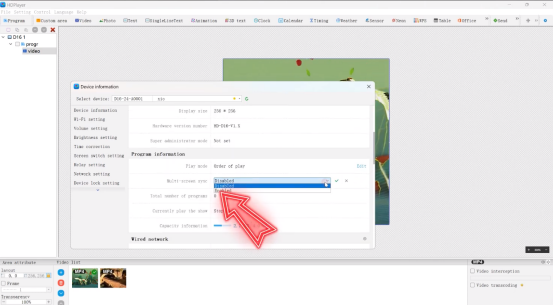
4.Enable multi-screen synchronization for all devices
5.Turn on time correction
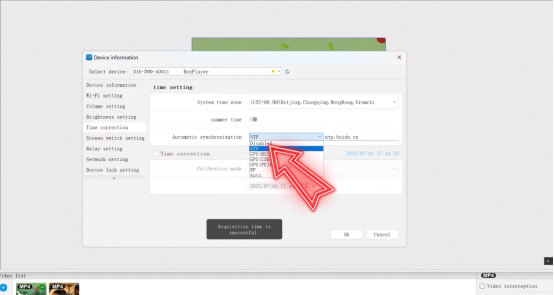
6.Enable automatic synchronization,you can choose NTP or GPS
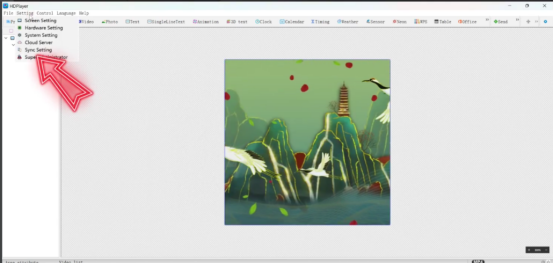
7.Click “Setting” – “Sync Setting”
8.Check the device
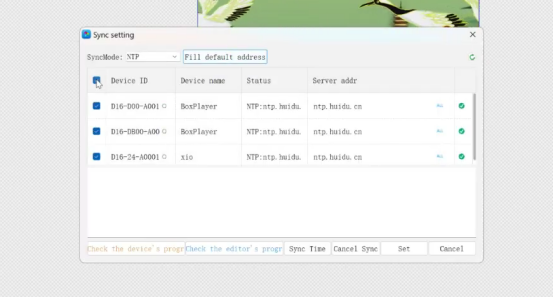
9.”Check the editor’s program””Sync Time”,finalize the setup
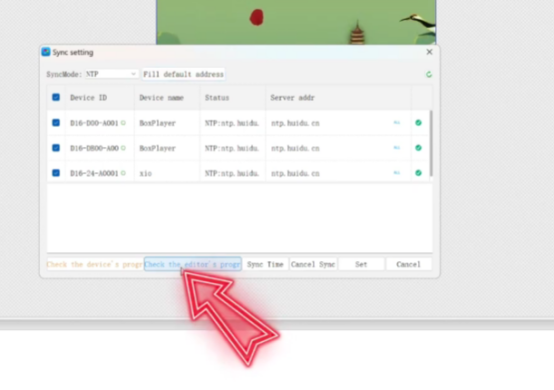
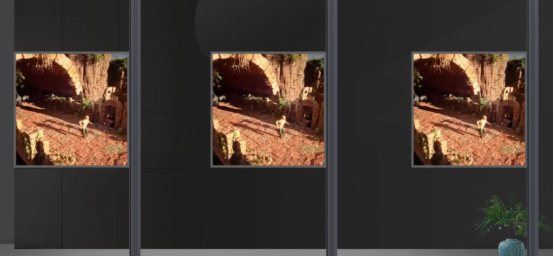
10.The program will be synchronized now
 English
  简体中文
简体中文  Português do Brasil
  Italiano
  Español
  Français
  Deutsch
  한국어
한국어  日本語
日本語