一. Correct Operating Procedure:
Turn on signal source first, then the display, turn off display first, then the signal source:
①When powering on the control computer signal source, ensure that the indicator light is illuminated normally, you must also switch on the main power switch for the led display. Ensure that the computer is outputting a signal properly before powering on the display.
②Turn off the main power switch for the led display. You must also shut down the control computer. Do not unplug the power directly or operate in reverse.
③The interval between turning the screen on and off should be greater than 5 minutes. Avoid frequent switching to prevent current surges.
二. Key Points for Routine Maintenance:
1. Operating Environment Requirements:
①Operating temperature -20°C to 50°C. Operating humidity 10% to 90% RH non condensing. Storage temperature 10°C to 40°C. Storage humidity ≤60% RH.
2.Environmental Considerations:
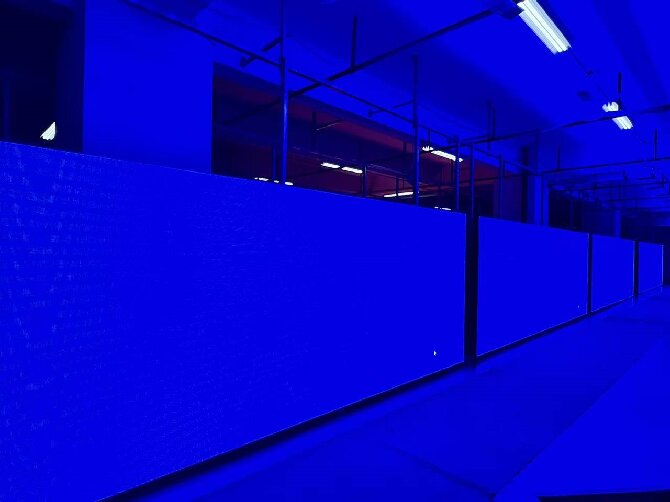
①Ensure proper ventilation around the display screen and that the heat dissipation vents are not obstructed.
②Avoid use in environments characterized by high temperatures, high humidity, strong acids or bases, or salt spray.
③Water ingress into the display screen is strictly prohibited, prevent conductive substances, such as iron filings or metal objects from entering.
3.Using Time Management:
①It is recommended to turn off the screen for a rest of at least two hours every day.
②During the plum rain season or in humid weather, turn on the screen for 1 to 2 hours at least once a week to dehumidify.
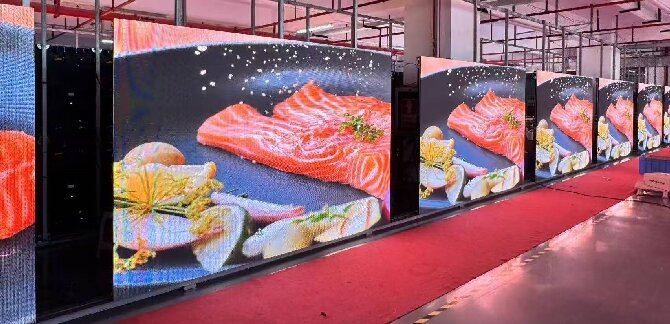
③Displaying static images, such as logos or text for extended periods may result in screen burn in or image retention, it is recommended to use dynamic content or a screen saver.
3.Cleaning Method:
①Gently clean dust from the screen surface using a soft bristled brush or a vacuum cleaner. Do not use wet cloths or liquid cleaners.
②Stubborn stains can be gently wiped with alcohol. Use of corrosive substances is prohibited.
③For the interior or corners and edges, use a soft, lint free cloth. Do not rinse directly with water.
4.Periodic Inspection Items:
①Check whether the power cables and signal cables are loose or aged.
②Brightness uniformity and color consistency; calibrate as necessary.
③Are the temperature and humidity within the normal range, and is the cooling fan operating properly?
④Check whether the screen body is deformed or cracked, and if the connecting components are secure.
三. Precautions for Long Term Storage:
①Thoroughly clean the screen before storage.
②Store in a temperature and humidity controlled environment (10–40°C, ≤60% RH).
③Avoid direct sunlight and strong light sources.
④Please pack securely using the original packaging or a flight case, strictly avoid placing heavy objects on top.
⑤Implement moisture proofing measures, such as silica gel desiccant.
⑥Regularly inspect storage conditions.
 Español
  English
  简体中文
简体中文  Português do Brasil
  Italiano
  Français
  Deutsch
  Русский
  한국어
한국어  日本語
日本語